
Latest Version
IMPROVIZHN, OOO
Education
Mac
Free
1225121166
Report a Problem
More About Master of Typing: Tutor
Why Master of Typing: Tutor Stands Out from Traditional Typing Software
While most typing programs rely on repetitive, monotonous drills, the Master of Typing: Tutor touch typing software brings a fresh approach to keyboard mastery on the Mac platform. Developed by IMPROVIZHN, OOO, this educational tool focuses on building muscle memory systematically, allowing users to transition from looking at their hands to typing fluidly with all ten fingers. By dividing the learning process into logical, row-by-row keyboard milestones, it keeps beginners from feeling overwhelmed while offering scalable challenges for intermediate typists looking to boost their words-per-minute (WPM) metrics.
Key Features of the Master of Typing: Tutor Touch Typing Software
This application is packed with modern features designed to optimize your training sessions:
- Structured Difficulty Tiers: Progress through four distinct difficulty levels that introduce key combinations gradually, ensuring you master one row before advancing.
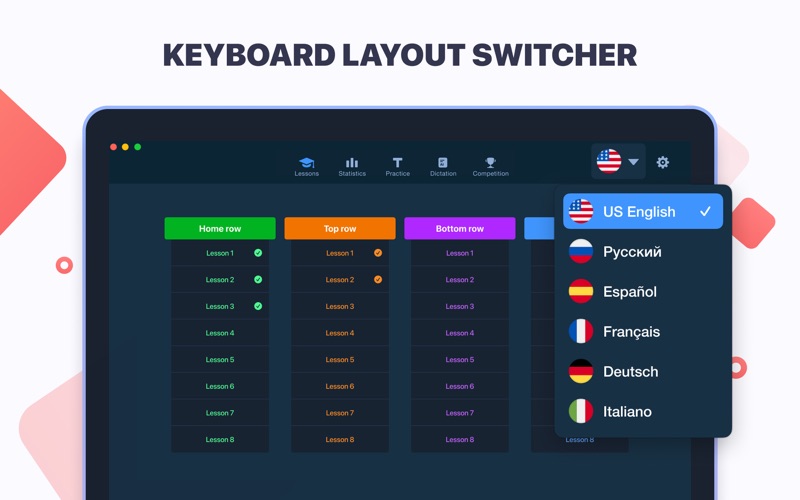
- Multi-Language Integration: Practice typing in six major languages—English, German, Spanish, French, Italian, and Russian—utilizing native keyboard layouts.
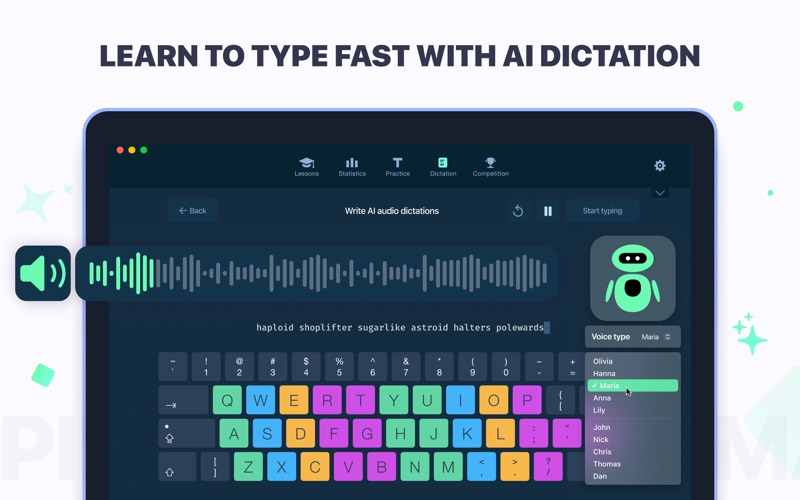
- AI-Powered Dictation Mode: A cutting-edge feature that lets you dictate text and type it out, or follow suggested text prompts dynamically during dictation.
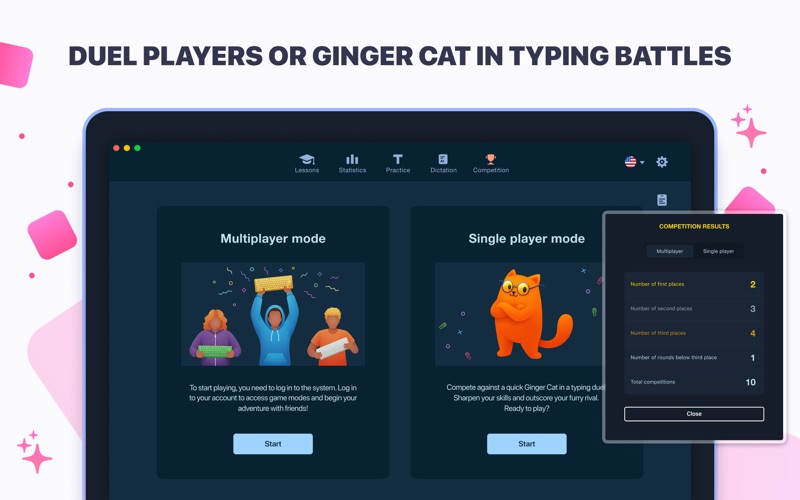
- Interactive Competition Mode: Keep practice engaging by racing against real users online or testing your speed head-to-head against the virtual Ginger Cat.
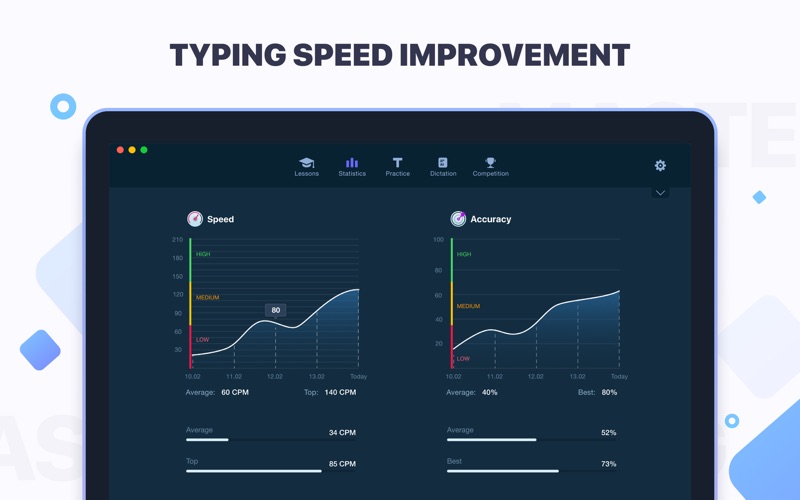
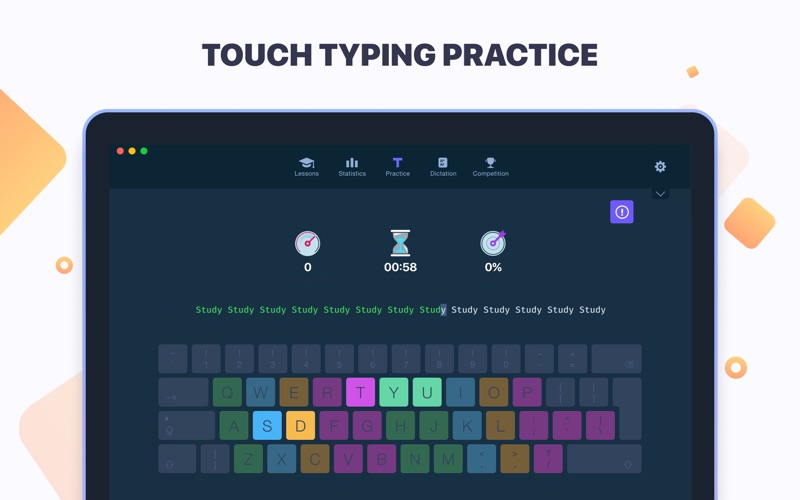
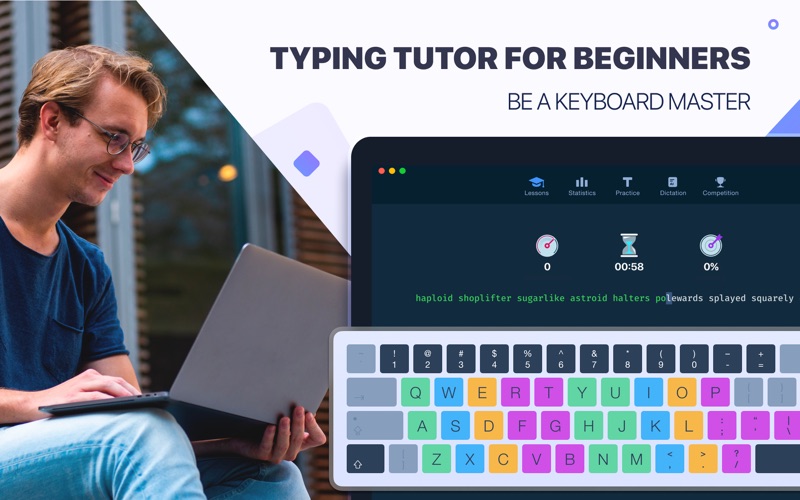
- Visual Guidance and Analytics: Utilize a color-coded on-screen keyboard guide to memorize ideal finger placements, while tracking your progress via real-time speed and accuracy statistics.
Who is This Mac Application For?
The Master of Typing: Tutor touch typing software is an excellent fit for students, remote professionals, and content creators who find themselves losing hours to "hunt-and-peck" typing. By training your fingers to operate independently, the software helps reduce cognitive fatigue, minimizes screen-to-keyboard head switching, and significantly improves overall workplace productivity.
Getting Started with the Software
The application offers a flexible tier system. Users can explore the basics using the free version, which provides introductory lessons for the Home, Top, and Bottom rows across all supported languages, alongside one daily AI-generated dictation exercise. For users seeking comprehensive mastery, a subscription option unlocks unlimited lessons, advanced practical drills, and unrestricted access to the AI dictation ecosystem. To begin your journey toward keyboard fluency, check out the application on the official Mac App Store today.
Rate the App
User Reviews


Popular Apps










Editor's Choice