

Latest Version
Mark Howard
IT Tools
Mac
Free
6480412910
Report a Problem
More About QuickCode: Code Editor
A Practical Look at QuickCode: Code Editor
For developers and programmers, the inspiration to write code or fix a bug doesn't always strike when sitting at a dedicated workstation. The QuickCode: Code Editor app by Mark Howard addresses this exact scenario, providing a streamlined environment designed for writing, editing, and managing code on the go. Classified under IT tools, this lightweight editor focuses on speed and accessibility without cluttering your screen with unnecessary configurations.
Key Capabilities and Everyday Usability
What makes QuickCode: Code Editor stand out is its commitment to a clean workflow. Instead of overwhelming users with complex IDE setups, it focuses on the core essentials needed for quick modifications and script writing:
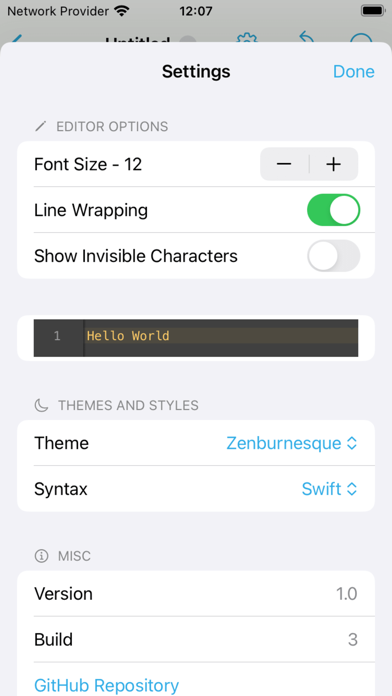
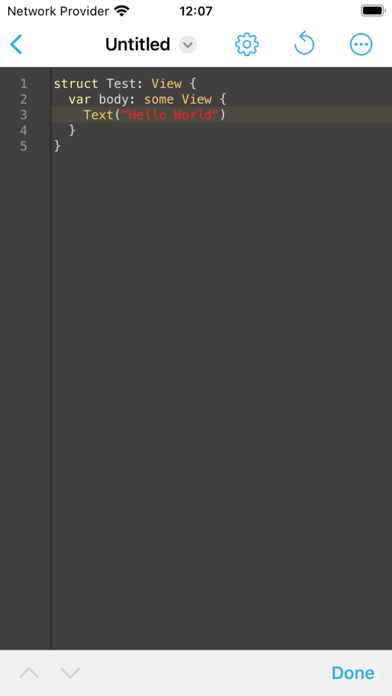
- Sleek Syntax Highlighting: Code readability is paramount. The editor uses advanced syntax highlighting to keep your code organized, making it easy to identify variables, functions, and errors at a glance.
- Customizable Editor Themes: Because visual comfort is highly personal, you can switch between multiple pre-designed themes to match your current lighting conditions or aesthetic preferences.
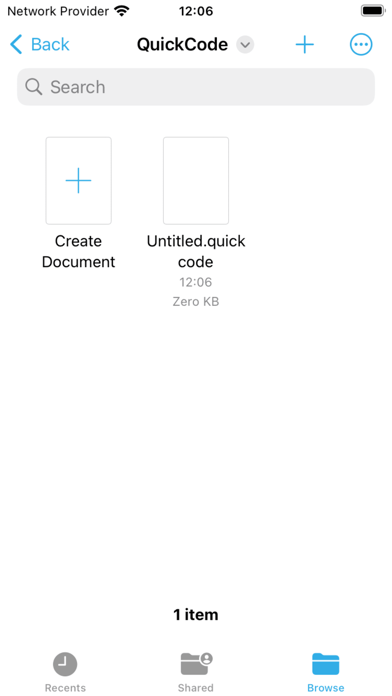
- Deep Files App Integration: Managing your project directory is simple. The app hooks directly into the iOS Files infrastructure, allowing you to open, edit, and sync files across your Apple ecosystem seamlessly.
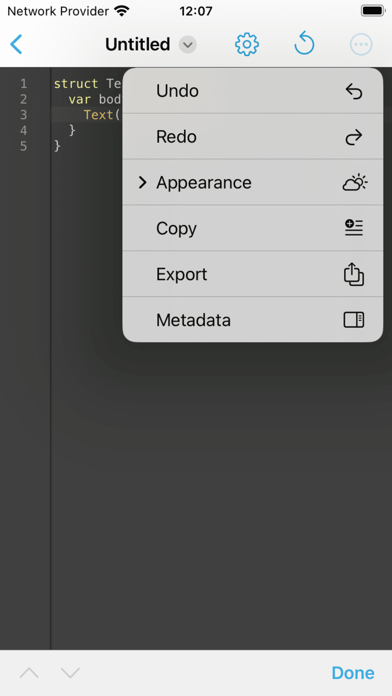
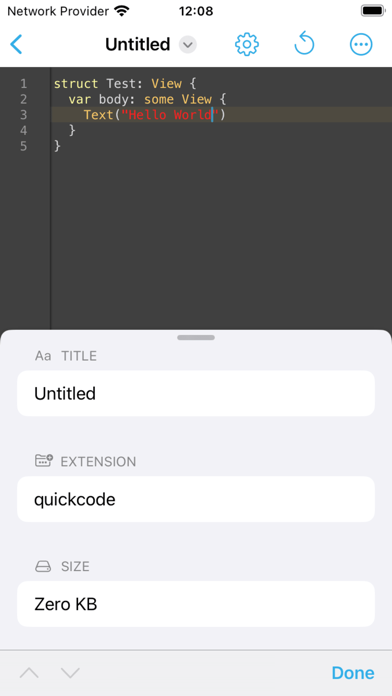
- Quick-Access Metadata Pane: Keep track of file sizes, paths, and creation details instantly via the integrated metadata sidebar.
- App Clip Support: When you need to perform a rapid text edit without installing the full application, the App Clip provides a lightweight, instant-use version of the tool.
Who is this Code Editor For?
If you are a student learning to script, a web developer needing to patch a live site on the fly, or a system administrator managing configuration files, QuickCode: Code Editor offers a highly functional, portable workspace. It eliminates the friction of launching heavy desktop environments when you simply need to review or export code in multiple formats.
Final Assessment
While it remains highly approachable for beginners, professional developers will appreciate the reliable file integration and clean interface. To explore its capabilities and see how it fits into your development toolkit, you can check out the application and read user feedback directly on the official Apple App Store.
Rate the App
User Reviews

Popular Apps










Editor's Choice